Ontology Manager
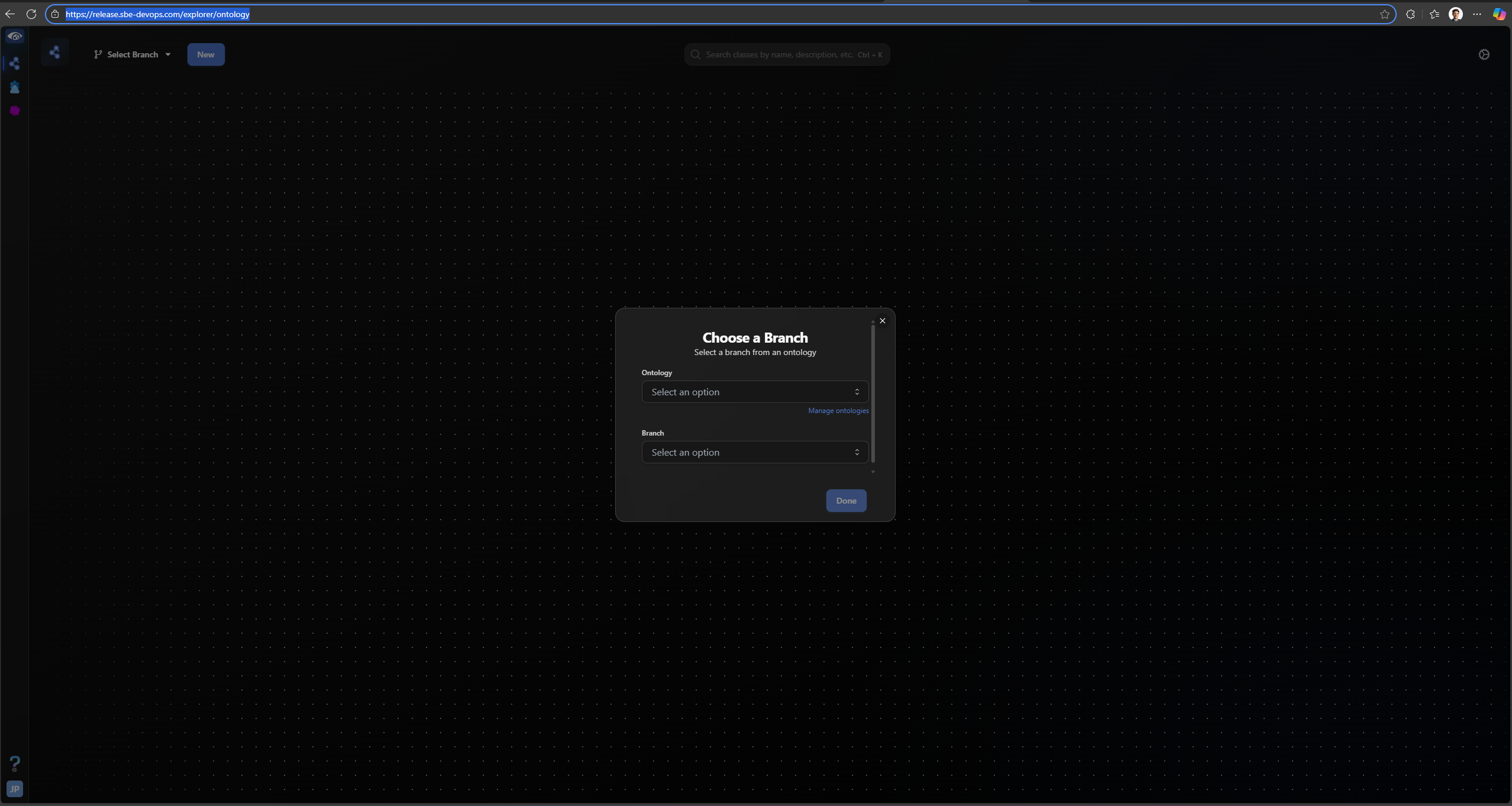
The ontology manager application allows end users to create and edit ontologies within a tree-based graphical user interface. The page stars with a blank canvas and prompts the end user to select an ontology partition and branch that they wish to work with. Alternately, end users can create a new ontology by pressing the blue “New” button in the top-level corner of the page, directly under the highlighted URL. The link will look like this before you select a partition and branch , where you find “explorer/ontology” after the protocol and hostname of the full URL.
https://release.sbe-devops.com/explorer/ontology/
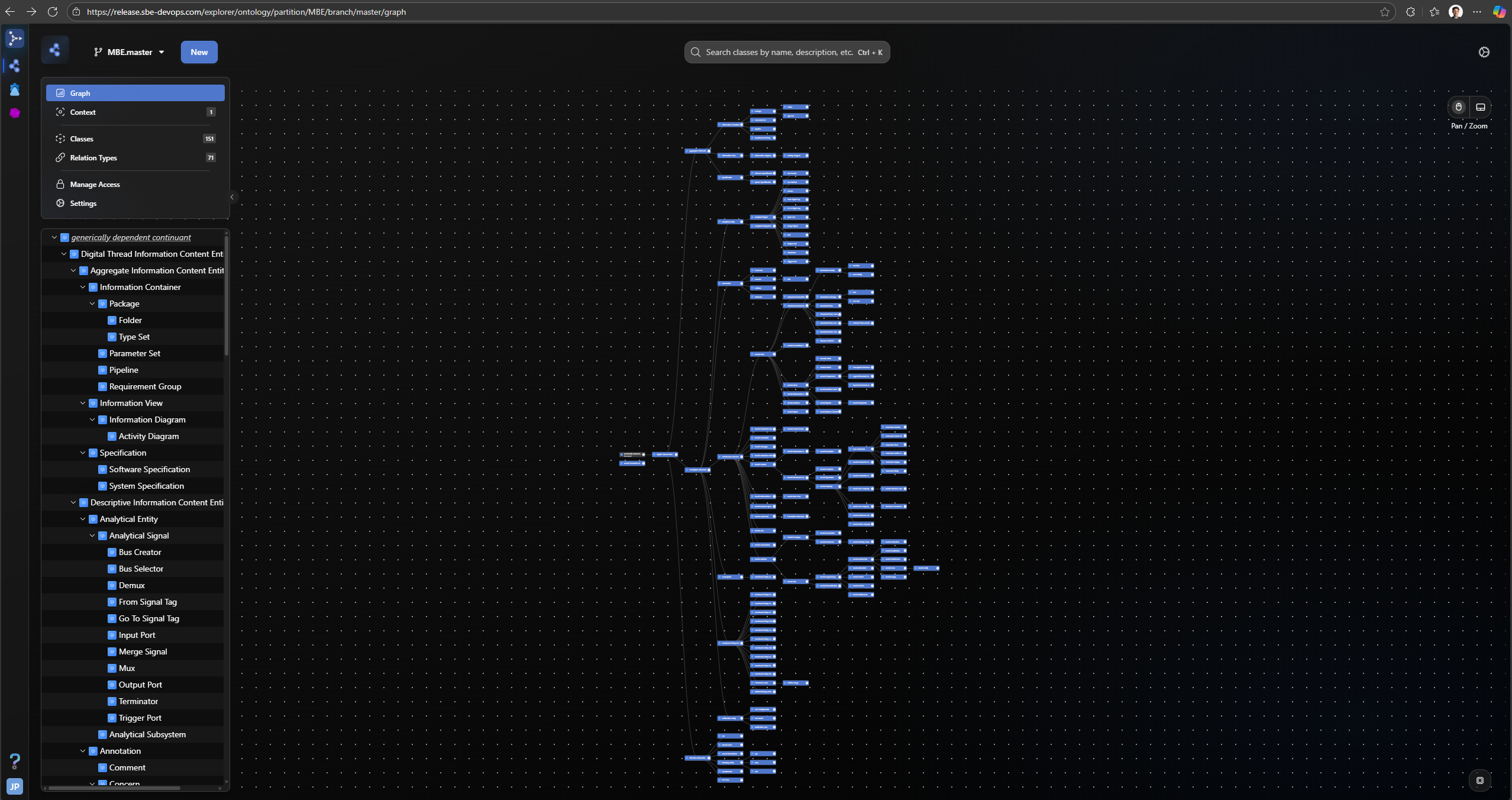
Once you select an ontology partition and branch, you will see the ancestral tree graph for that ontology appear in the formerly blank canvas. Here, you can click on any existing class to edit its properties, relation, or inheritance, and you can also create new classes, either as a descendant of an existing class in this ontology or inheriting from a high-order ontology the one that was selected. The URL path will look like this, where there is “explorer/ontology” after the protocol and hostname of the full URL followed by the selected ontology partition and branch, in this case “partition/MBE/branch/master/graph”.
https://release.sbe-devops.com/explorer/ontology/partition/MBE/branch/master/graph